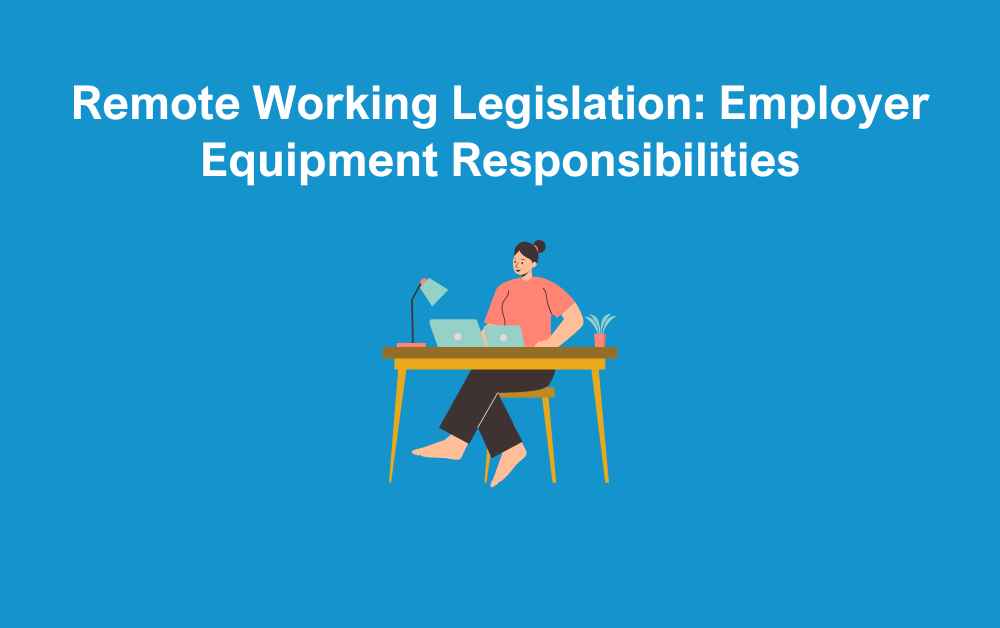
With hybrid and remote working now a permanent feature for many businesses, a common question from both employers and employees is who is responsible for providing equipment. Should an employer supply laptops, phones, and desks for staff working from home, or is it down to the employee to cover their own setup? Understanding remote working legislation, health and safety obligations, and best practice can help employers make informed decisions that support their workforce while staying compliant.
Are employers legally required to provide staff with working from home equipment?
There is currently no specific legislation that requires employers to provide equipment for employees working from home. However, as an employer, you are responsible for ensuring that your staff have the tools they need to work in a safe environment that is fit for purpose. If you require employees to work from home, you should provide the necessary equipment or reimburse them for any reasonable costs they incur to obtain suitable equipment.
If home working is not a requirement but rather an employee’s personal preference, you should agree with them in advance who will be responsible for providing the equipment needed to carry out their role effectively.
Remote Working Legislation
While there is no specific legislation requiring employers to provide home working equipment, they do have a clear duty to manage the use of display screen equipment, alongside their general responsibility to protect employees’ health and safety. Therefore you must organise a risk assessment. This will look at whether the employee has an appropriate workstation which includes:
- chair
- desk
- keyboard
- screen
Employers must take all reasonably practicable steps to minimise risks, which may include providing equipment for employees to use when working from home.
Equipment Required
Home equipment required depends on working patterns. If someone only works from home one day a week, they may not need the level of equipment as someone who works from home full time.
It’s also important to consider the individual’s health and wellbeing. A poorly set up home workstation can contribute to issues such as back pain, eye strain, or reduced productivity. Employers should therefore assess whether employees have what they need to carry out their duties effectively and safely, and agree on what support or equipment should be provided.
Supporting Employees with Disabilities
Employers have a duty of care to make reasonable adjustments for staff with disabilities. This applies whether the employee is based in the workplace, working from home, or following a hybrid pattern. For example, if an employee uses specialist equipment such as an ergonomic chair, adapted keyboard, or screen magnifier in the office, they are likely to need the same or equivalent support when working from home.
As an employer, you are responsible for covering the cost of these reasonable adjustments. Providing the right equipment not only ensures compliance with the Equality Act 2010 but also helps employees carry out their role effectively, comfortably, and without risk to their health and wellbeing.
Data Security
One of the biggest considerations when employees are working remotely is how to keep company data safe. Employers should provide equipment required to ensure data security. This can include a secure laptops or devices configured with up-to-date security software, firewalls, and encryption. If staff are expected to use their own equipment, clear policies must be in place to ensure data is handled safely and in compliance with GDPR.
This could include:
-
Using a VPN (Virtual Private Network)
-
Strong password protocols and two-factor authentication
-
Clear rules on storing and sharing company data
-
Training employees on phishing and cyber threats
Failing to manage data security properly can expose both the business and employees to significant risks.
Best Practice for Employers
While the law does not currently impose a blanket requirement to provide all home working equipment, following best practice can help protect your business and support your staff. Employers should:
- Carry out regular risk assessments for home and hybrid workers
- Agree in advance who is responsible for supplying equipment
- Reimburse reasonable expenses where appropriate
- Provide guidance on safe workstation set-up
- Ensure staff have access to IT support and training
- Keep policies up to date with changes in legislation or working patterns
Conclusion
Hybrid and remote working is here to stay, and getting your approach to equipment right is an important part of managing this shift. While not all employees will need the same level of support, employers remain responsible for providing a safe working environment, making reasonable adjustments for those who need them, and ensuring company data is secure.
Clear communication and well-documented policies are key. By taking a proactive, supportive approach, businesses can not only stay compliant but also foster a productive, healthy, and engaged remote workforce.
Contact Us
If you would like support with remote working legislation, and how to approach hybrid working in your business, contact our team of HR experts now.